if (!require('devtools')) install.packages("devtools")2 Getting Started
This page will guide you through the steps required to install, set up, and launch the cd2030 Shiny App. Follow these instructions to ensure a smooth start.
2.1 Prerequisites
Before using the app, ensure you have the following:
2.2 Installing the App
The cd2030 Shiny App is hosted on GitHub. To install it:
- Open RStudio.
- Install the
devtoolspackage (if not already installed):
This package manager simplifies the app installation process.
- Install the cd2030 app:
devtools::install_github("aphrcwaro/cd2030")This will download and install the app on your system, along with all required packages.
2.3 Launching the App
Once installed, launch the app using the following commands:
library(cd2030)
dashboard()
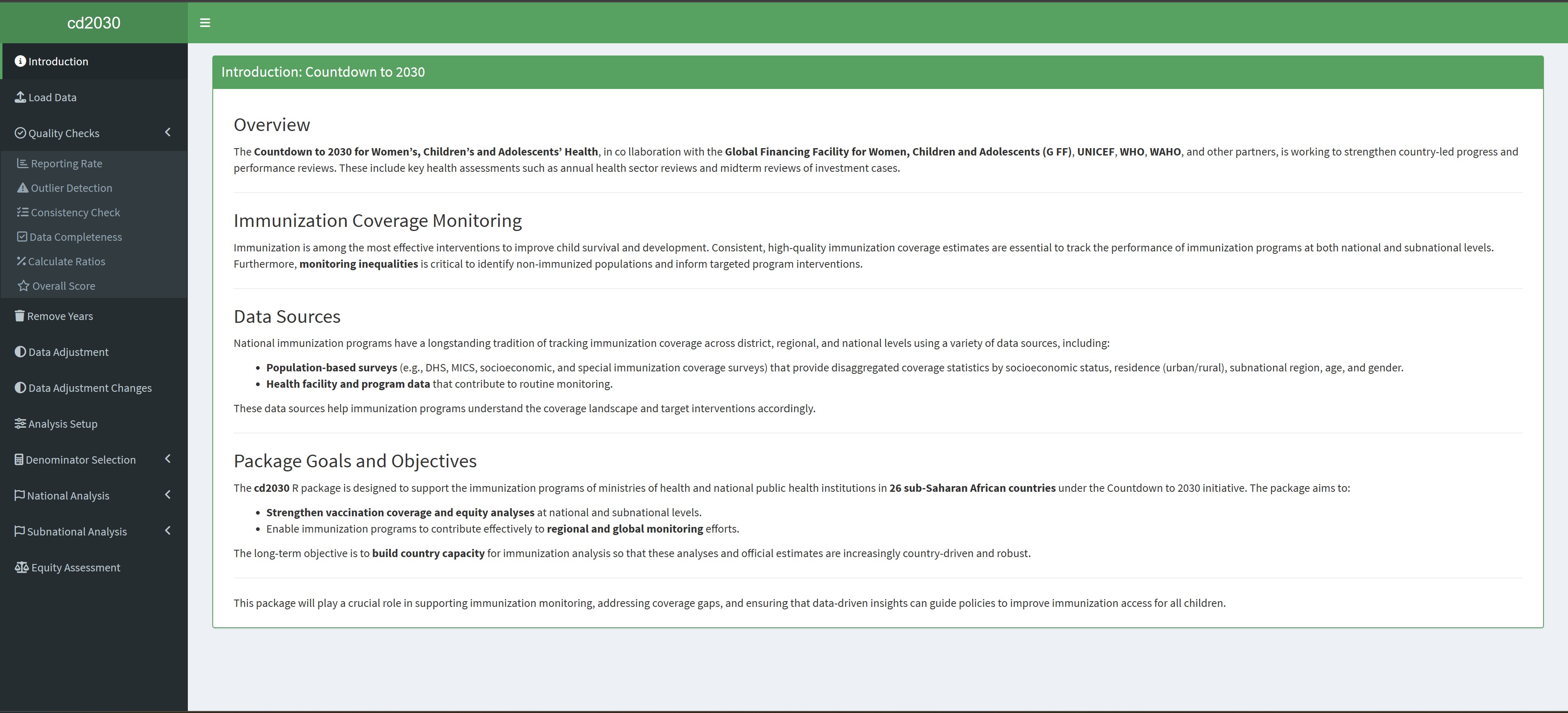
The app will open in your default web browser, ready for use.
2.4 Next Steps
With the app installed and running, proceed to the App Features section to explore its functionality and workflows in detail.